Screenshots
See it in action.
Small details made for daily use: scope badges, instant search, the shortcut always pinned at the bottom.
Save signatures, canned replies, addresses, code blocks — and paste them into any web field in two clicks or one keystroke.
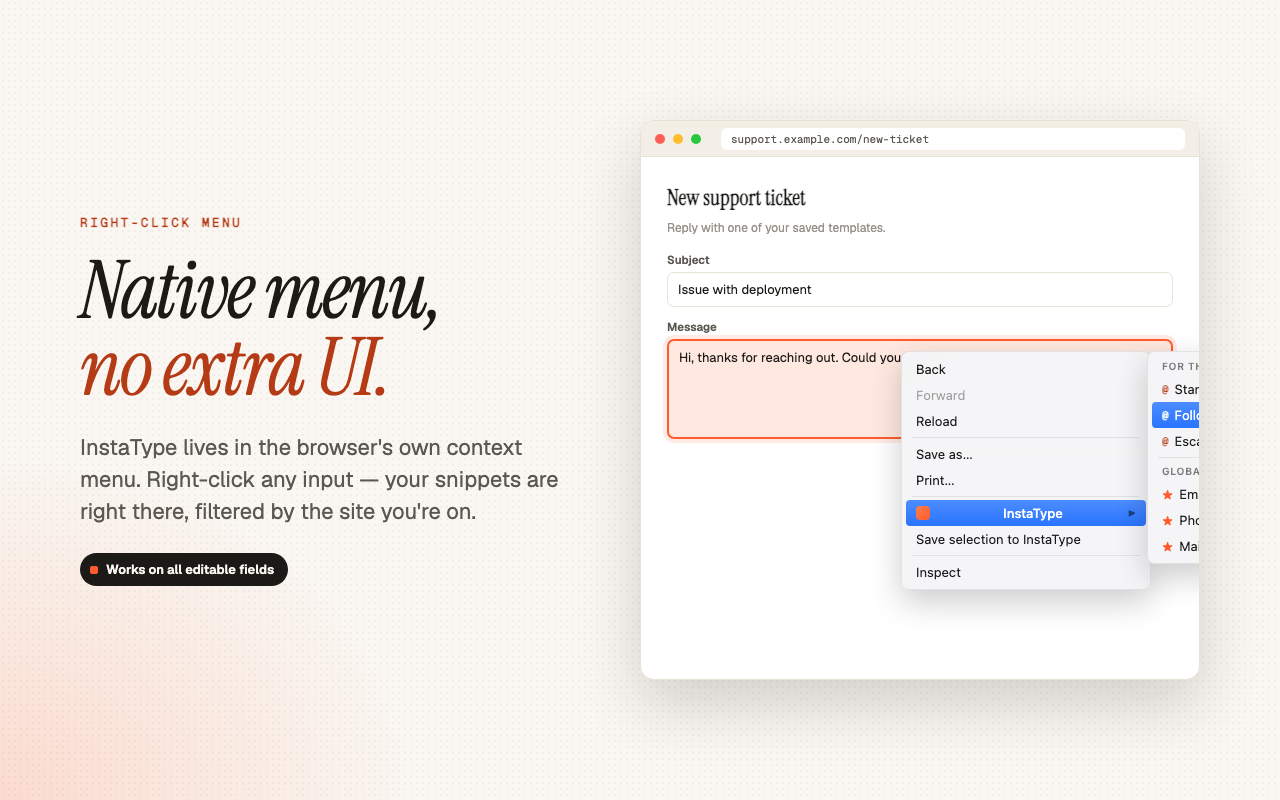
Your templates show up in Chrome's right-click menu, on any editable field. No overlaid UI — right in the menu you already know.
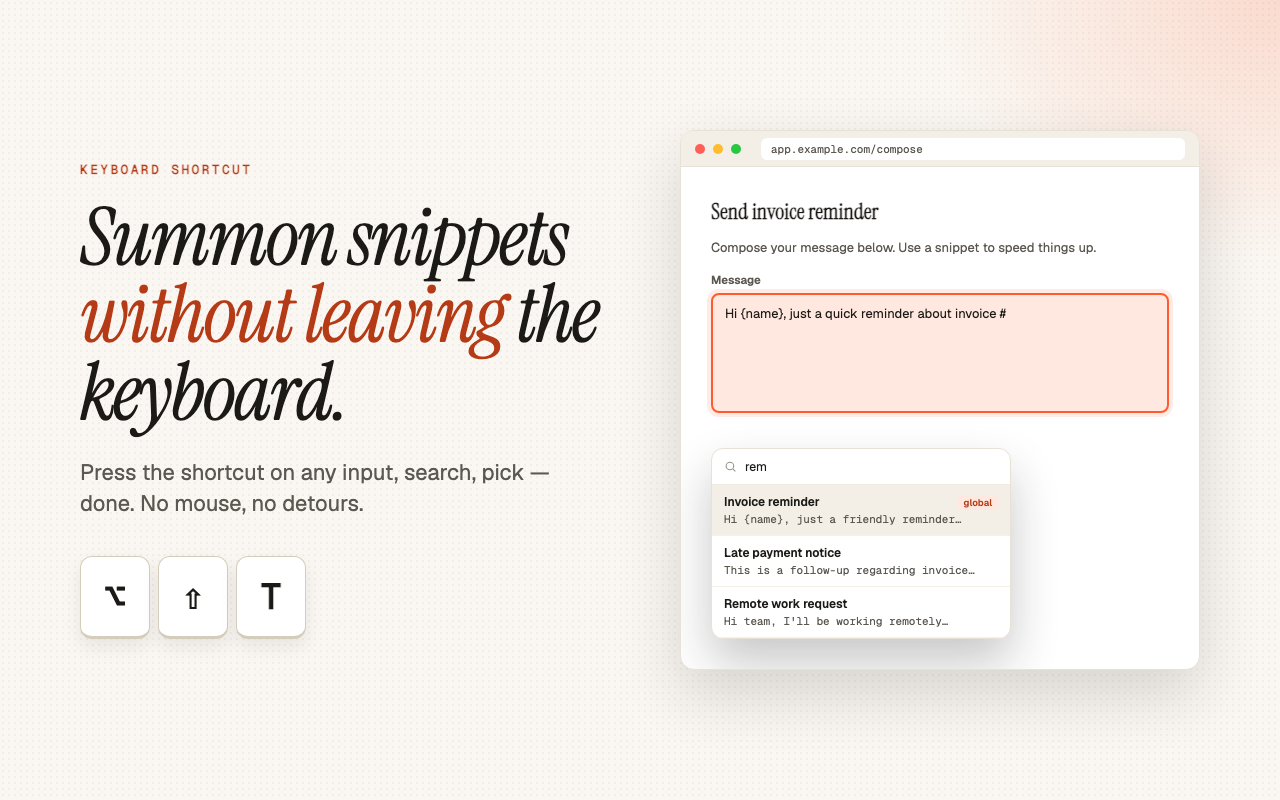
Press the combo on any focused field and a floating picker appears for quick search with ↑↓ and Enter.
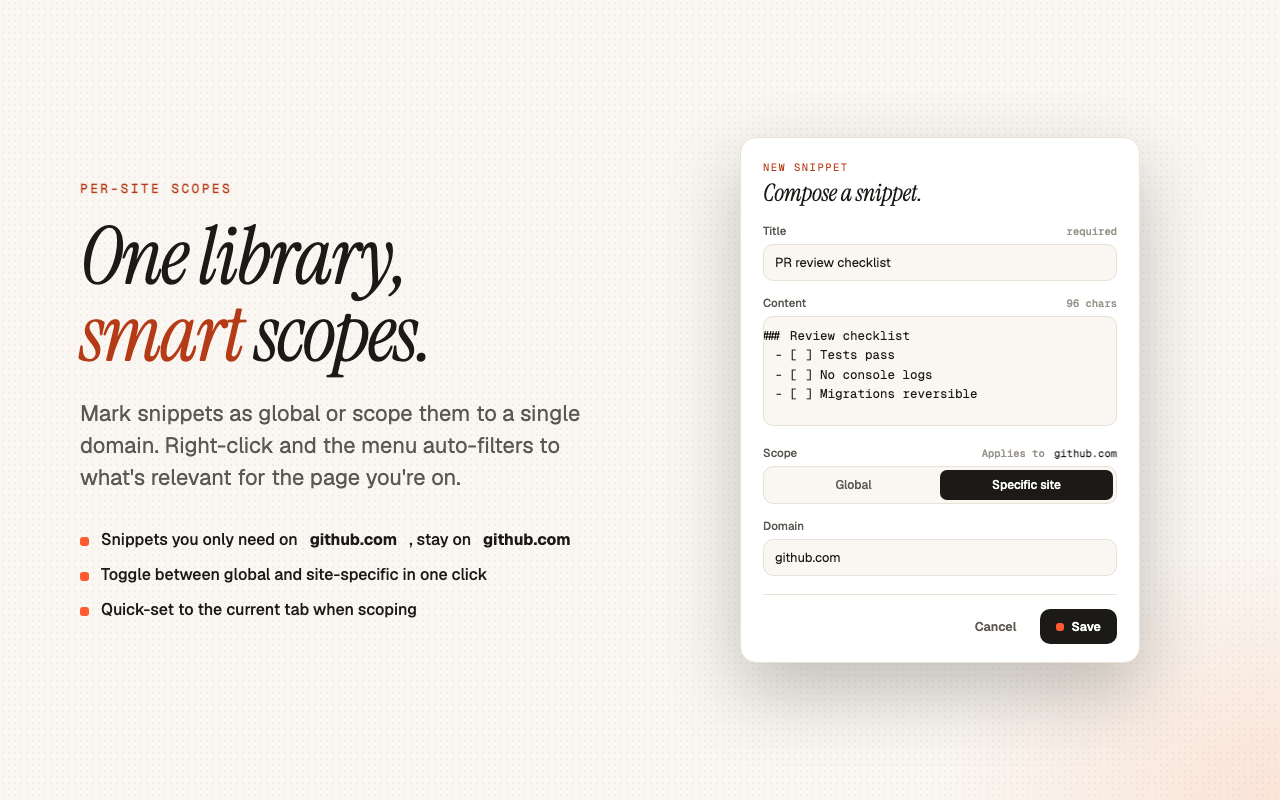
Mark as global or restrict to a single domain. Work templates don't invade your personal inbox, and dev snippets stay where you write code.
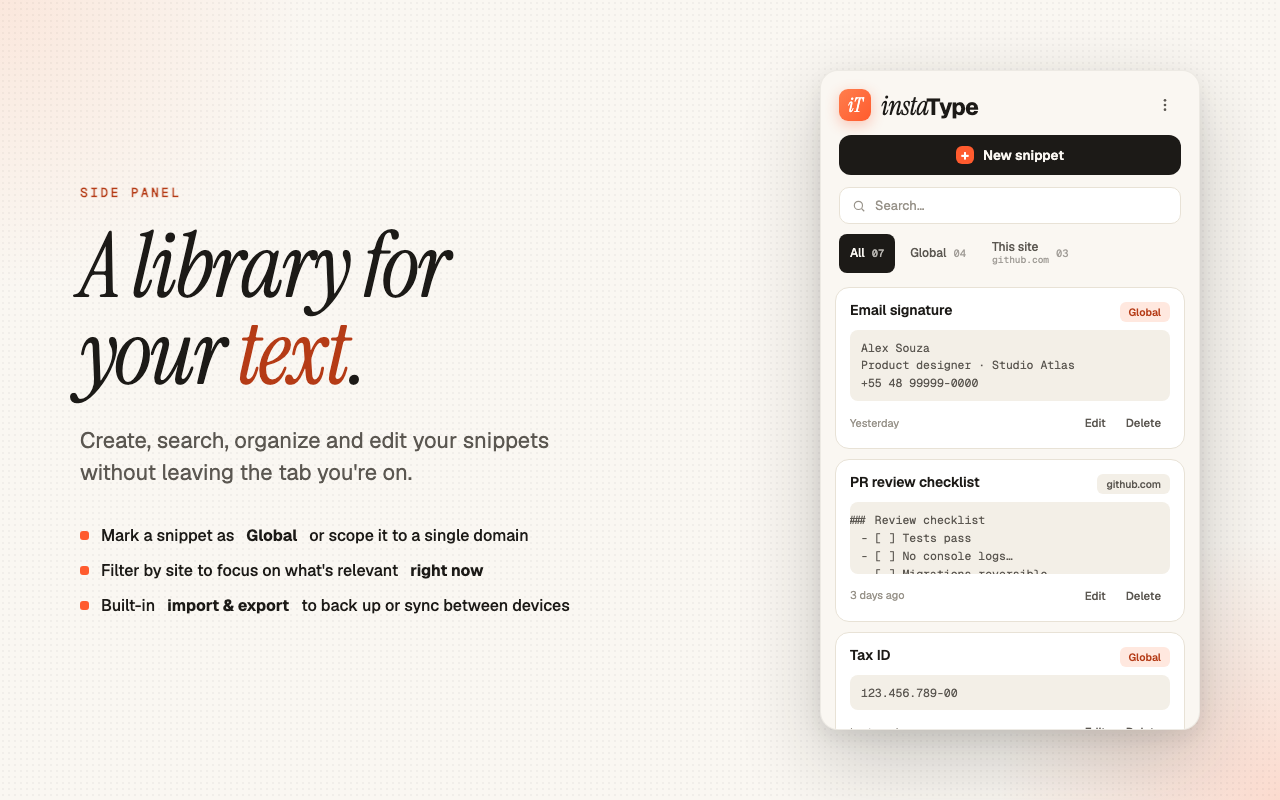
Side panel to create, edit, organize, search and filter your entire library — without leaving the tab you're on.
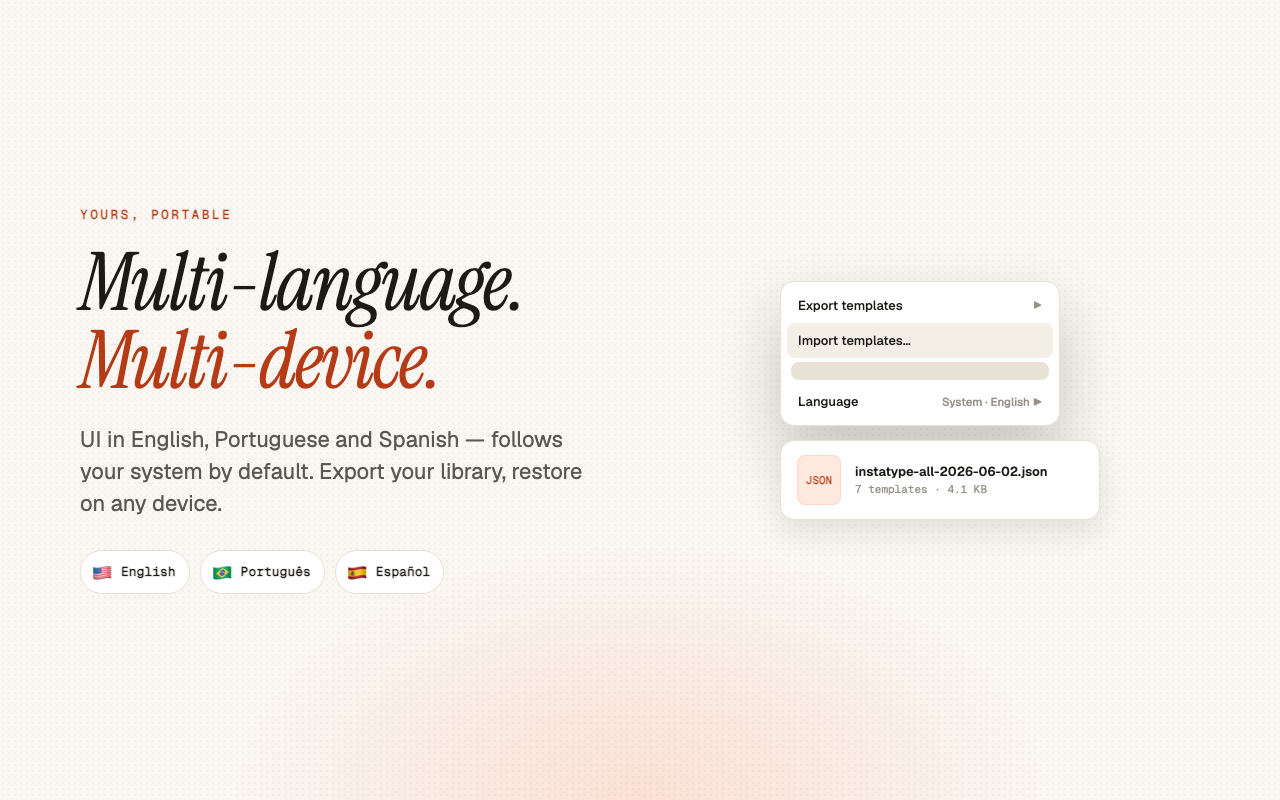
Move your library between devices as a JSON file. Back up, filter by scope, restore whenever.
A copy button on every template puts the content on your clipboard — paste it into desktop apps, other browsers, or wherever you need.
Interface in English, Português and Español. Follows the system by default; switchable any time.
Each path is optimized for a different moment. Use whichever makes sense at the time.
On any editable field, open the right-click menu. The InstaType item appears with your templates filtered by the current site.
Pressione ⌥ ⇧ T em qualquer campo focado. Um seletor flutuante aparece com busca, ↑↓ e Enter para escolher.
Open Chrome's side panel to manage everything: create, edit, organize, search, filter, import and export.
Small details made for daily use: scope badges, instant search, the shortcut always pinned at the bottom.
No accounts, no servers, no analytics, no telemetry. Everything is stored locally in your browser via chrome.storage.local. Nothing leaves your device.
Yes. All functionality runs 100% locally in your browser. The only internet requirement is Google Fonts in the Side Panel (cached by Chrome after first load).
In Chrome's local storage, tied to your browser profile on the device where the extension is installed. If you use the same Chrome profile across machines with sync enabled, data is not automatically synced — use Import & Export for that.
Yes, on any page with editable fields: inputs, textareas and contenteditable divs. It even works in modern rich-text editors that manage their own text input.
Go to chrome://extensions/shortcuts, find InstaType, and assign the combo manually. Chrome sometimes skips the suggested shortcut when there's a conflict with another extension.
Version 1.0 inserts text exactly as saved. Dynamic variables (like {{name}}, {{date}}, {{clipboard}}) are planned for a future release.
No. Free, no paid tier, no ads. Independent software, no monetization model.
Install in 10 seconds. Save your first template in 30. Use it for the rest of the day.
Install on Chrome FREE